
Help Center
Find out how to use the SortingGo App and Print Service, what each feature does, and answers to common questions.
Quick Start
Start with what you want to get done:
Excel / CSV import, order and batch management, allocation and preparation, sowing and picking, voice control, and routing.
View guidePrint Service setup and connection, label template design, printer configuration, TSPL / ZPL, and character encoding issues.
View guideWhat each plan includes, how to subscribe, and what to do if a feature stays locked after upgrading.
View guideAI Help Assistant
Ask about SortingGo operations, settings, and troubleshooting in your own words.
SortingGo's own AI assistant, answering from official documentation with no third-party account required.
Ask via an AI platform
Until our own assistant launches, you can use the SortingGo assistants on these AI platforms.
Use ChatGPT to ask about the SortingGo APP, Print Service, Excel import, voice operation, and label printing.
You may need to sign in to a ChatGPT account.
Use ChatGPTUse Gemini to ask about the SortingGo APP, Print Service, Excel import, voice operation, and label printing.
You may need to sign in to a Google Account.
Use GeminiAI answers may be incorrect. For important operations, follow official SortingGo documents and the actual app screen. For better results, choose a reasoning-capable model when available; lightweight models may give incomplete answers or fail to answer.
Full Feature Reference
A page for every screen, with the same content as the built-in help in the App and Print Service.
SortingGo App 40
- Add / edit a manual order
- Allocation
- Apply customer route template / Apply product route template
- Basic info and sample file
- Batch Details
- Batch print settings
- Custom Import Formats
- Edit customer template / Edit product template
- Edit Units
- Export
- Export Excel
- Field mapping
- Help Center
- Home Tour
- Import conditions
- Import Orders
- Import Result
- My Work (Warehousing Connector)
- New Custom Format
- No help content yet
- Order Management
- Picking
- Picking group
- Product short names
- Putting
- Putting group
- Route Settings
- Routing sequence adjustment
- Select a batch
- Select a batch
- Select file
- Set up product short name
- Settings
- SortingGo App — Frequently Asked Questions
- Staging
- Subscription Plans
- Sync Status (Warehousing Connector)
- Template library
- Voice Control Settings
- Voice Input Order
Related guides
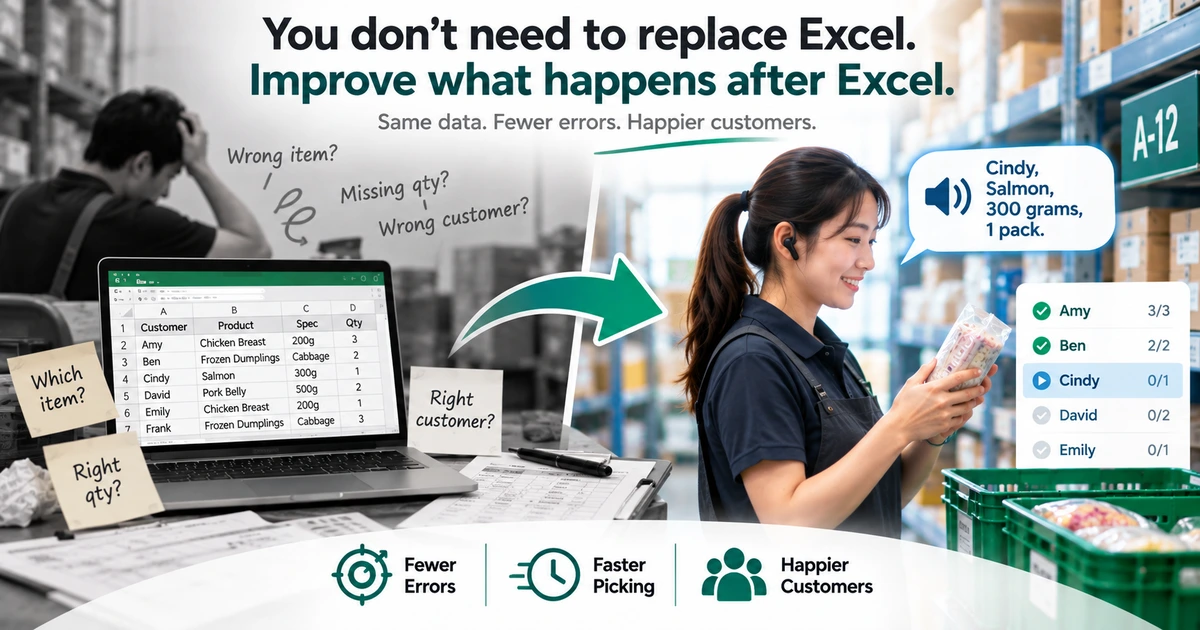
How to Reduce Picking Errors in Excel Workflows
Excel is fine for managing orders — the errors start after it. Five common Excel picking mistakes, and how to cut them without replacing the spreadsheet.
Read guide →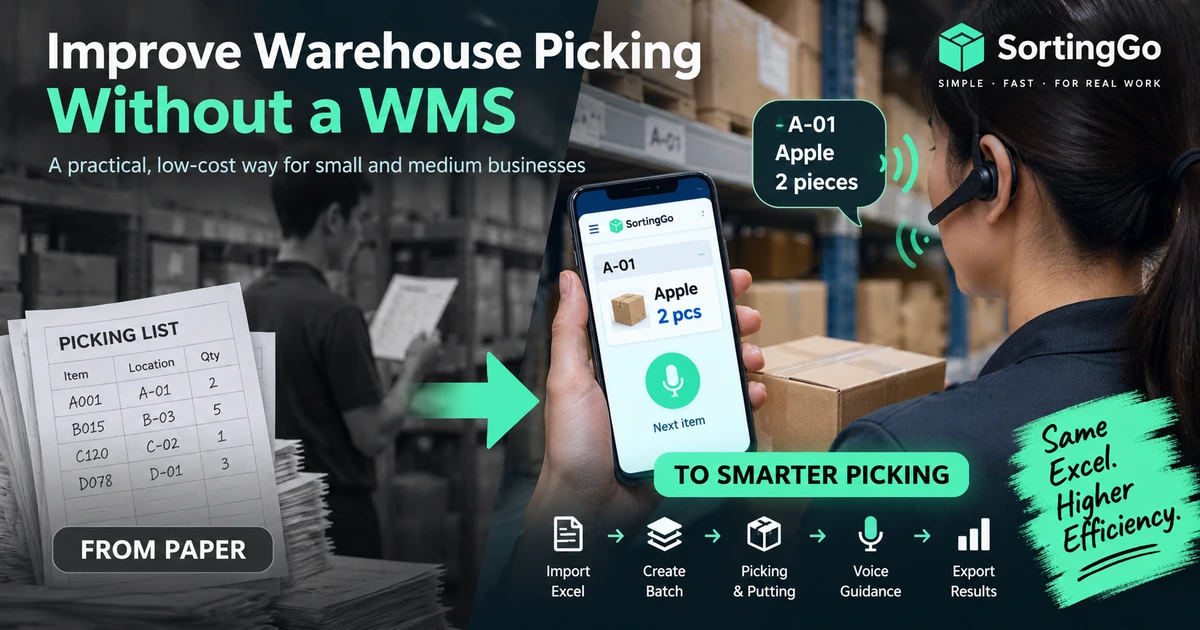
How to Improve Warehouse Picking Without a WMS
How small warehouses can improve picking without a full WMS: keep Excel, replace paper, add batches, routing, and voice guidance step by step.
Read guide →Still can't find an answer?
If your issue is still unresolved, or involves subscriptions, payments, or your data, contact us directly. Including your version and a screenshot of the error helps us respond faster.