Features
From an Excel order to work done on the floor — import, sorting, voice guidance, routing and label printing.
See it in action in 3 minutes
The full flow on a real phone — from Excel order import and batch creation to voice-guided sorting.

Import & Order Management
Excel / CSV Import
Import your existing order data directly — no need to build a full product master first.
Built-in order import templates for each platformCustom Field Mapping
Map your own Excel column names — no need to reformat your spreadsheet.
Order Pool
Imported orders land in a pool where you can search, filter and add entries before batching.
Voice Order Entry
Add orders by voice instead of typing every field by hand.
Sorting Operations
Sorting Batches
Group orders from the pool into a batch to track progress and completion.
Putting
For one product to many customers — e.g. group-buy sorting.
Picking
For one customer to many products — e.g. e-commerce fulfillment.
Allocation / Preparation
Pre-allocate and stage large order volumes before picking or putting.
Allocation and Preparation require the Std plan or above.Voice & Hands-Free
TTS Voice Guidance
Product, customer, quantity and notes are read aloud automatically.
Bluetooth Media Button
Complete, pause or continue with a headset button — included on every plan.
Custom Voice Commands
Advanced voice actions: continue, previous, next, replay, reprint.
A Pro-plan feature.Hands-Free Background Listening
Keep working without staring at the screen — voice commands are heard in the background.
A Pro-plan feature.Routing & Export
Route Sorting
Order the work by product or customer location to cut unnecessary backtracking.
Route Templates
Save frequently used customer or product routes as reusable templates.
Route templates require the Std plan or above.Excel Export
Export completed batches to Excel for record-keeping and reconciliation.
Export requires the Lite plan or above.Remote Export
Export to SMB / NAS / SFTP / FTP to fit your existing file systems.
Remote export requires the Lite plan or above.Label Printing
SortingGo Print Service
Turns sorted order data into labels, sent to a fixed or mobile label printer.
Windows Printer
Print through a Windows printer paired with SortingGo Print Service.
Free / Lite / Std print with a trial watermark; watermark-free commercial printing requires the Pro plan.BLE Label Printer
Connect a mobile BLE label printer directly from your phone.
Free / Lite / Std print with a trial watermark; watermark-free commercial printing requires the Pro plan.Related guides
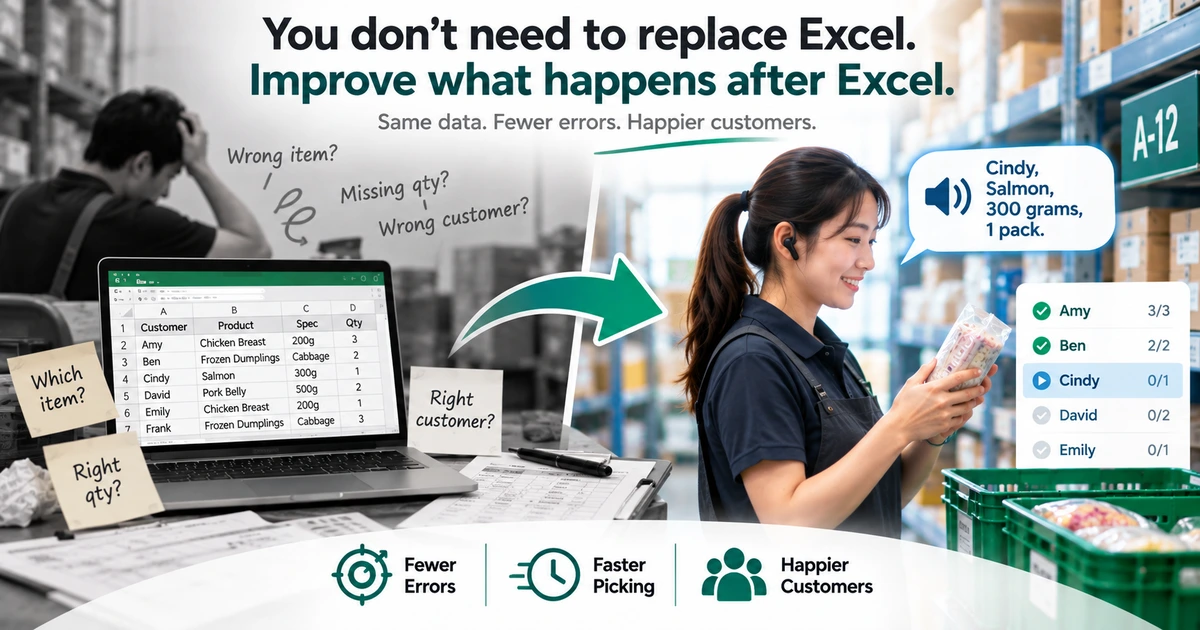
How to Reduce Picking Errors in Excel Workflows
Excel is fine for managing orders — the errors start after it. Five common Excel picking mistakes, and how to cut them without replacing the spreadsheet.
Read guide →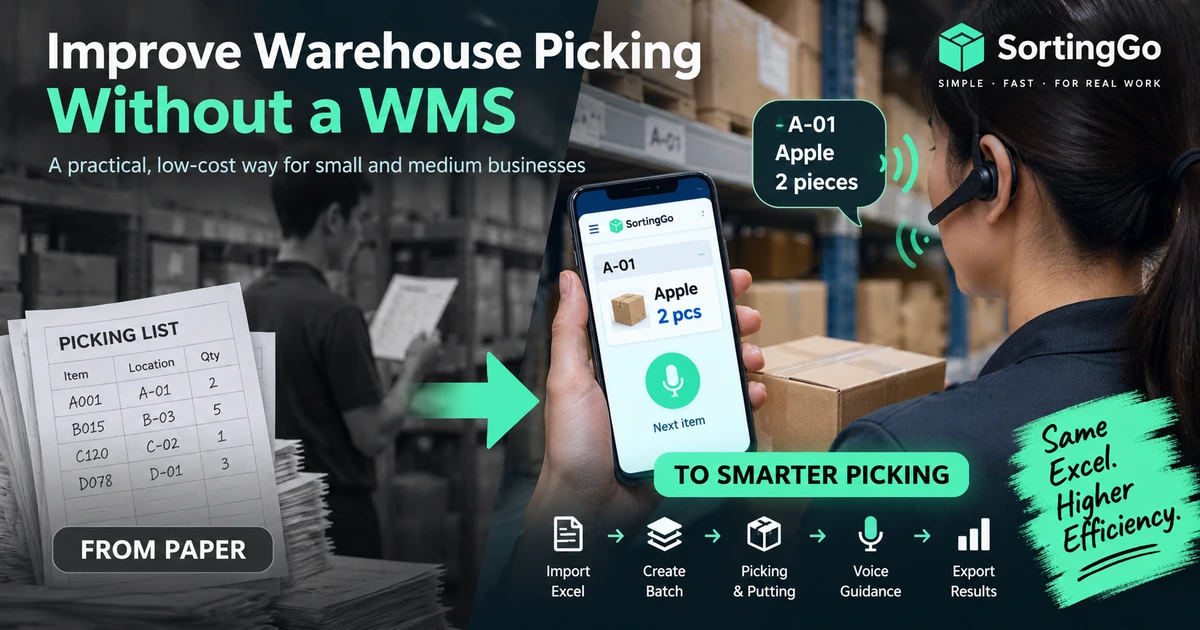
How to Improve Warehouse Picking Without a WMS
How small warehouses can improve picking without a full WMS: keep Excel, replace paper, add batches, routing, and voice guidance step by step.
Read guide →Hand your Excel orders to SortingGo