
Need a label? Print right after you finish
SortingGo Print Service isn't a standalone printing tool — it's the last mile of the workflow: finish sorting, print the label.
SortingGo pairs with SortingGo Print Service to turn sorted order data into labels sent to a fixed or mobile label printer. Free / Lite / Std can print with a trial watermark first; watermark-free commercial printing requires the Pro plan.
What it covers
Plan differences
Every plan can print labels, through both the Windows print service and BLE label printers; on Free, Lite and Std the output carries a trial watermark. Prints sent from the SortingGo app are watermark-free on the Pro plan. Printing directly from the SortingGo Print Service web console needs a separate license, bought on the License page of Print Service.
From sorting to a printed label, all the way through
Related guides
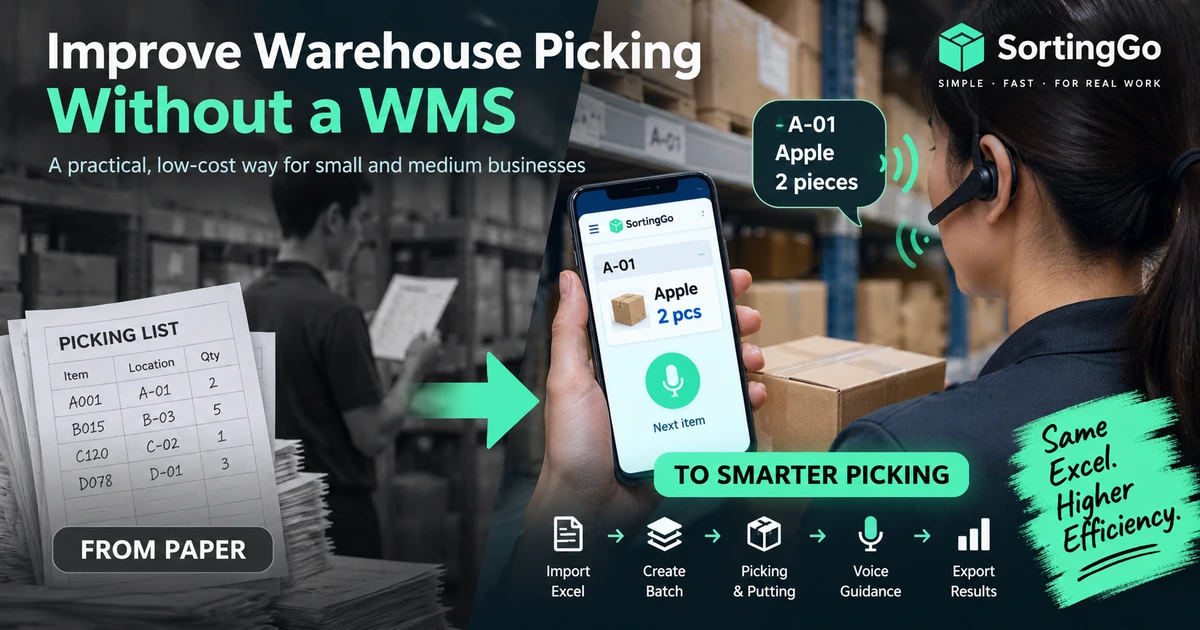
How to Improve Warehouse Picking Without a WMS
How small warehouses can improve picking without a full WMS: keep Excel, replace paper, add batches, routing, and voice guidance step by step.
Read guide →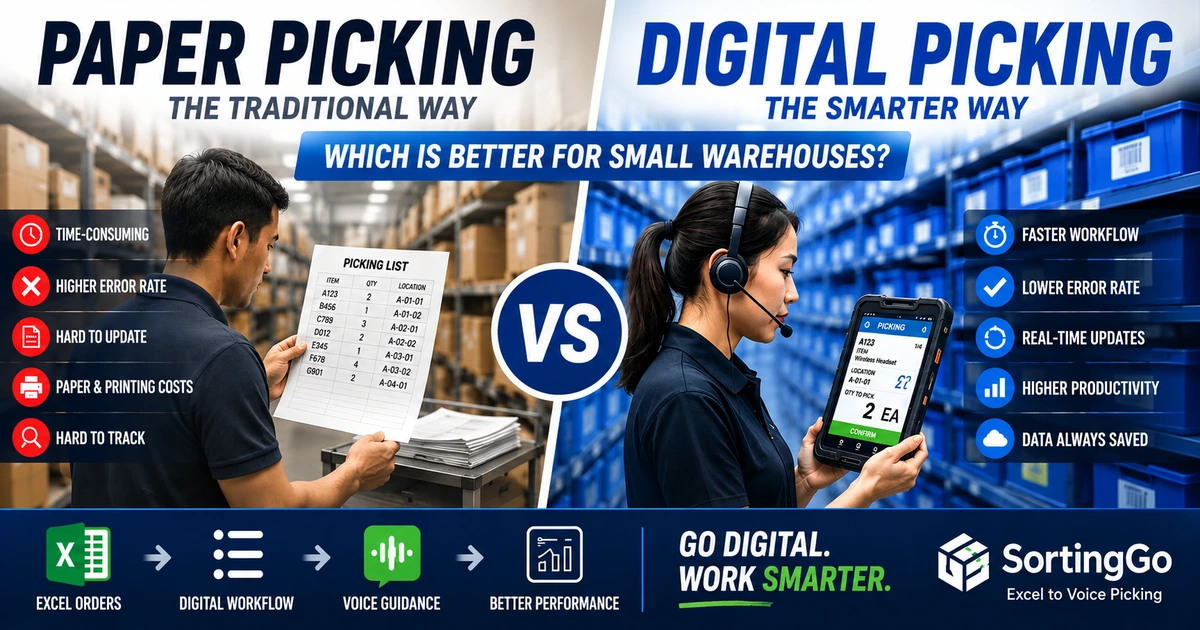
Paper Picking vs Digital Picking: Which Is Better for Small Warehouses?
Compare paper and digital picking on cost, accuracy, training, order changes, traceability, and scalability — and when to move beyond paper.
Read guide →